
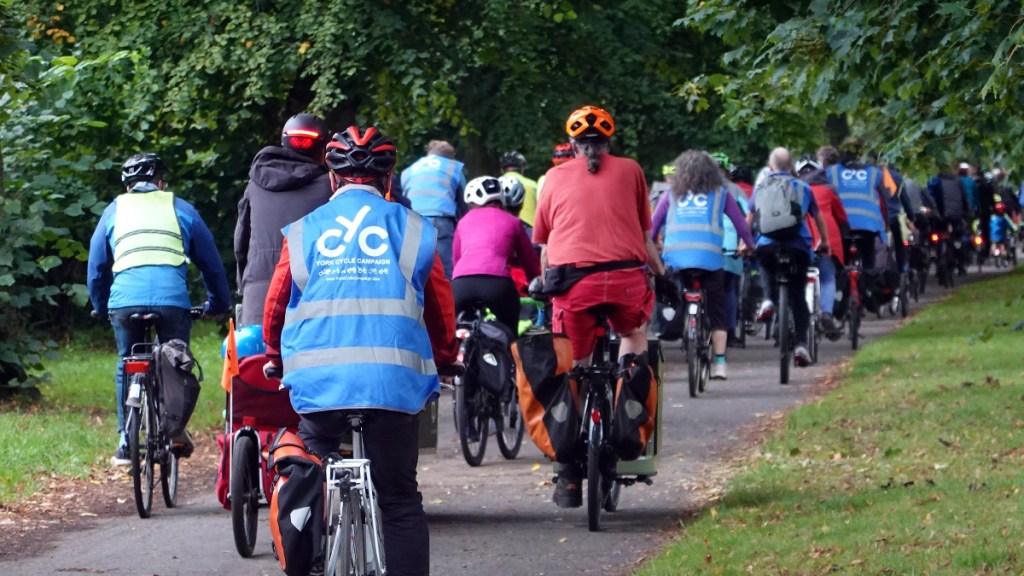
If you’re writing a blog post for the campaign, please follow this guide as it helps simplify the process of uploading posts to the website for our volunteers.
Template
Please use our blog post template as a starter available to download as a .docx file for MS Word or similar, or save in Google Docs.
At the start of the template state whether the post is to be published ASAP or if it should be scheduled to go out at a certain date and time.
Title
Give your blog post a title, which should be be between 7-15 words long, and have each words capitalised.
Tips on Coming Up With Your Title
- If referring to the campaign use ‘YCC’ instead of ‘York Cycle Campaign’
- Be specific about what the post is about
- Consider using an action verb e.g. ‘Submit Your Comments On The Main Street Proposals’
- Use emotional language e.g ‘YCC Brands New Main Street Proposals Irresponsible’
- DO NOT use clickbait style headlines e.g. ‘You won’t believe these cycle lanes, number 10 will surprise you’
Headings
If your post needs headings, don’t format these yourself by changing font size or making text bold manually. Instead use the predefined styles for Headings 2 to 6, do not use heading style 1. If you’re unfamiliar with headings styles, find out more about using them in Microsoft Word or Google Docs.
Examples of how each heading style appears are shown below;
Heading 1 must not be used
Heading 2
Heading 3
Heading 4
Heading 5
Heading 6
Images
Cover Image
Every post must have a cover image, which sits at the top of the page below the page title. This image is be purely illustrative, and a generic cycling or cityscape image can be used if needed. This image is also used for the background of the posts grid on the YCC homepage. The image must meet these requirements;
- Be landscape orientation.
- Be 1600 pixels or more wide.
- Sent as a separate JPEG or PNG image file and not inserted into the text document. The file should be named Title Image.
- Be copyright free, or shared under a Creative Commons licence. If you want to be credited for the image or a Creative Commons licence needs to be declared, give details at the start of the blog text submission.
Content Images
Images can be included in the main body of text, and are recommended to break longer posts up. Images within the main content should;
- Preferably be in landscape format, square or portrait images can be used if no other options are available but these will be made smaller on the page.
- Be at least 750 pixels wide.
- Sent as a separate JPEG or PNG image file and not inserted into the text document. Files should be named Image 1, Image 2, etc.
- Be copyright free, or shared under a Creative Commons licence. If shared under a Creative Commons licence the details should be included with the post template.
- Identify where the images should be placed in the content by typing /Image on a new line followed by the relevant file name.
- If the image needs a caption add this after the image on a new line starting it with /Caption. If a image needs crediting include it here.
- If your image is conveying information alternative text should be included for users of assistive technology. This should describe the image and/or repeat any text shown in the image. For more information on what alternative text is and how to write it see the RNIB’s guidance. Alternative text should be added on a new line after the image starting with /Alttext.
 York Cycle Campaign